Games
Click a game to start playing.
The Secret
Something new is wrapped and waiting. No hints yet. It opens when the countdown ends.
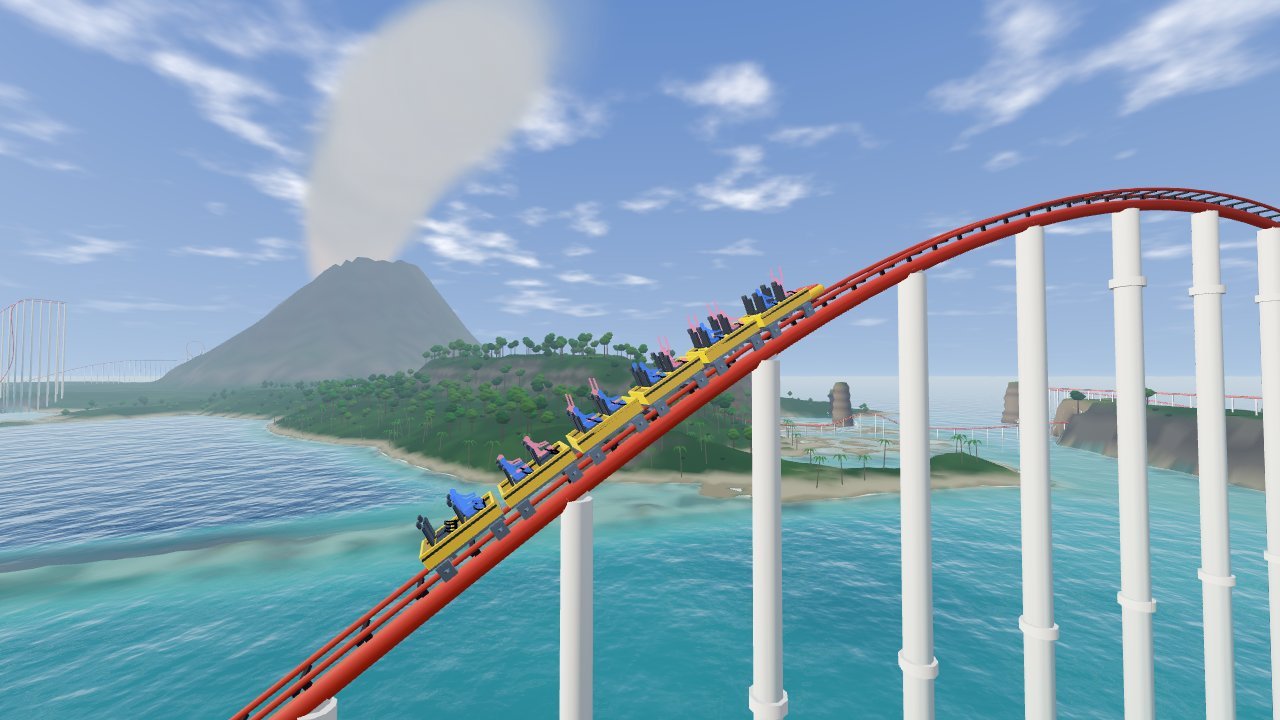
The Thrill Ride
Climb a 160 m lift and drop into a glass tunnel under the lagoon. Race past sea cliffs, through a jungle waterfall and temple ruins. Then ride a lava cave into an erupting volcano.
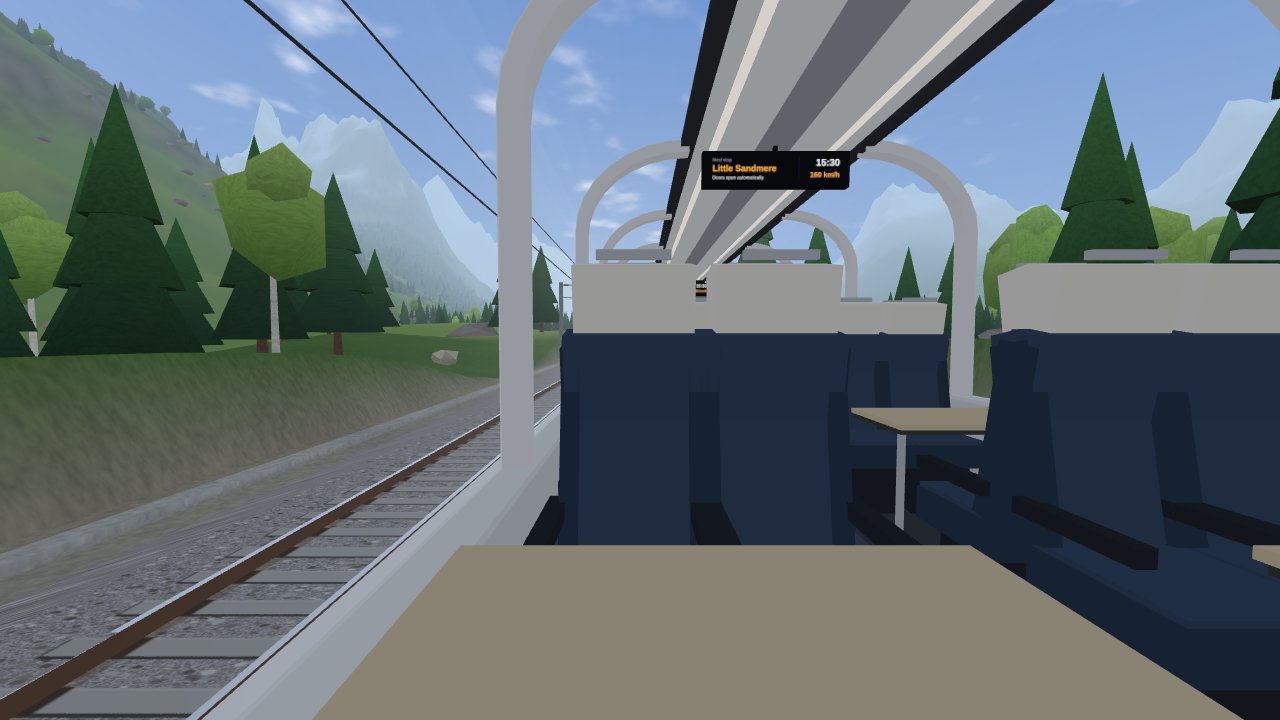
The Endless Trip
Take a window seat on a panorama train. Ride forever through lakes, mountains, deserts and snow in a program-generated infinite world. Day, night and weather change as you go.
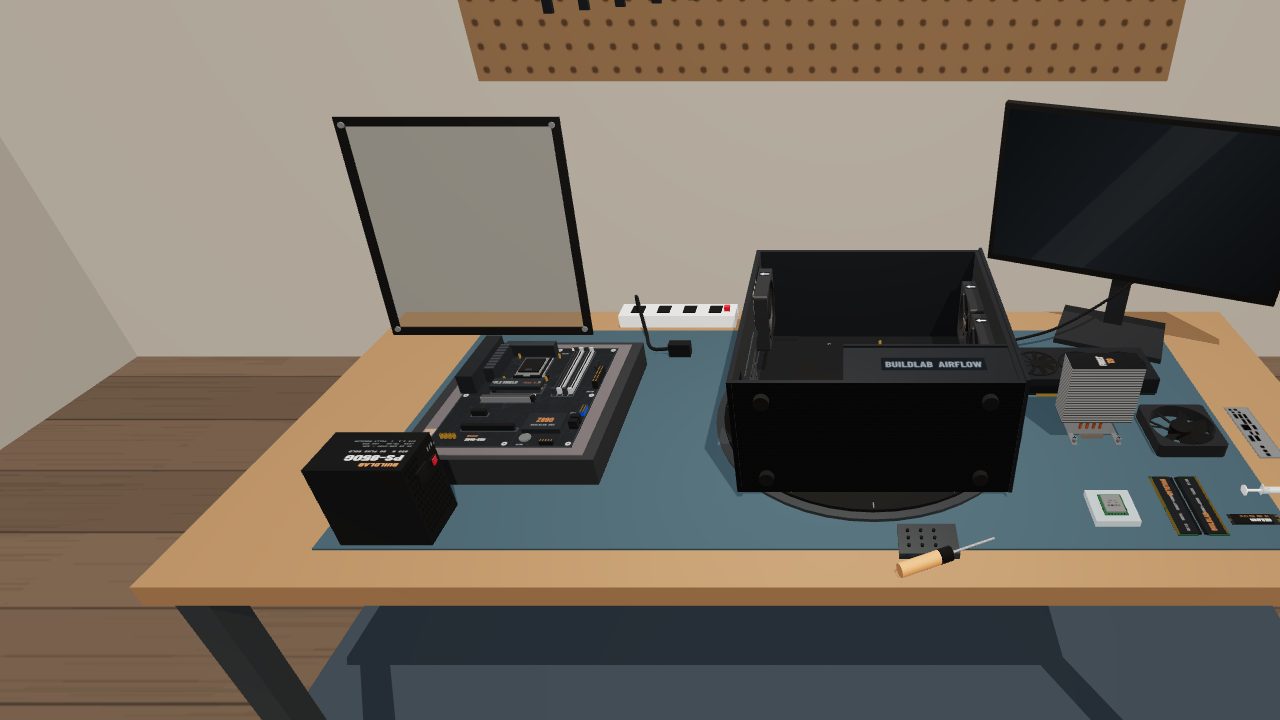
The PC Builder
Build a desktop PC on a virtual workbench. Fit the CPU, memory, cards and cables yourself. 33 guided steps explain every part.
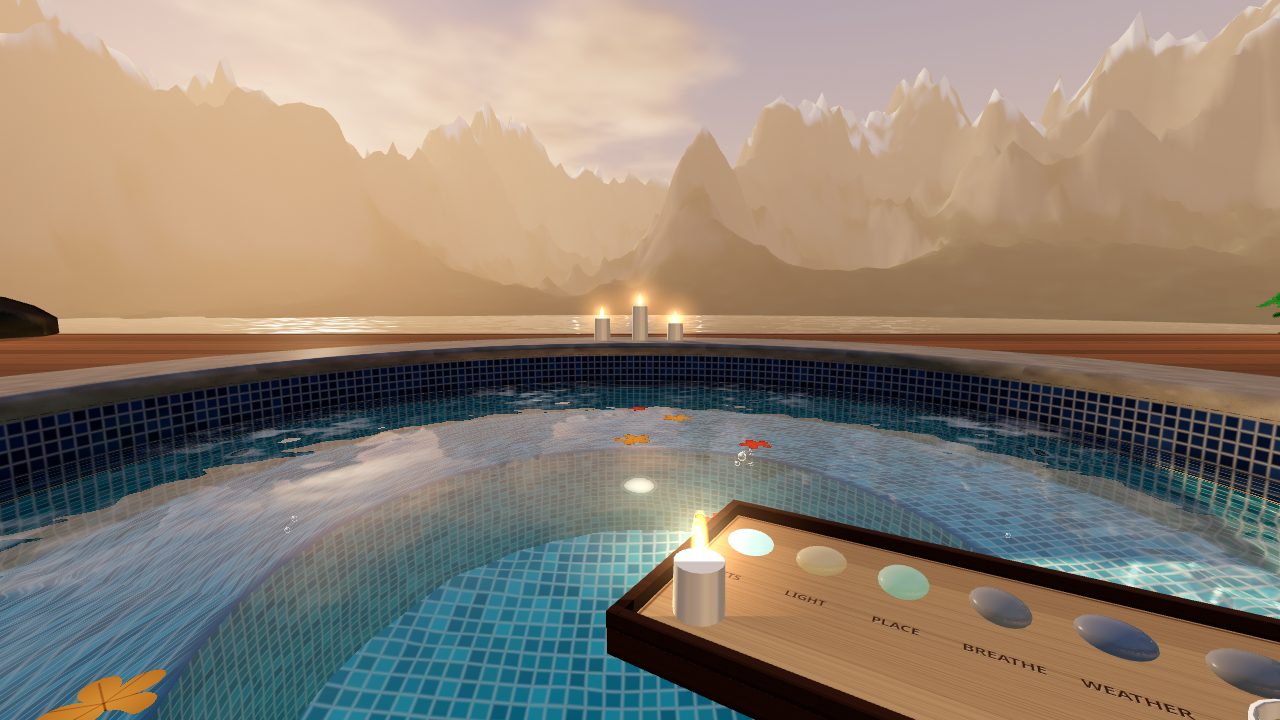
The Hot Spring
Relax in a hot tub at the edge of the world. Make ripples with your hands and turn on the jets. Switch between mountain, aurora, tropical and desert views.
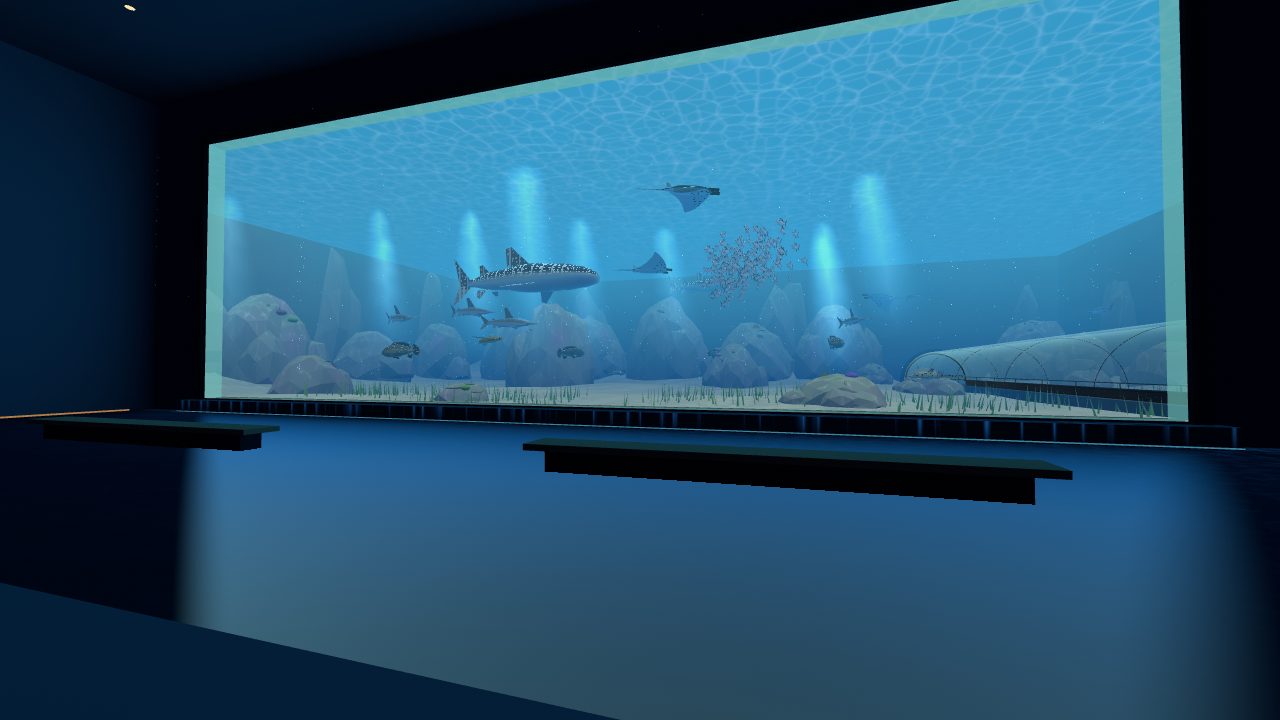
The Aquarium
Walk through a giant aquarium at true scale. Watch whale sharks from a 30 m window and walk the ocean tunnel. Ride the glass lift up the reef column and feed the fish.
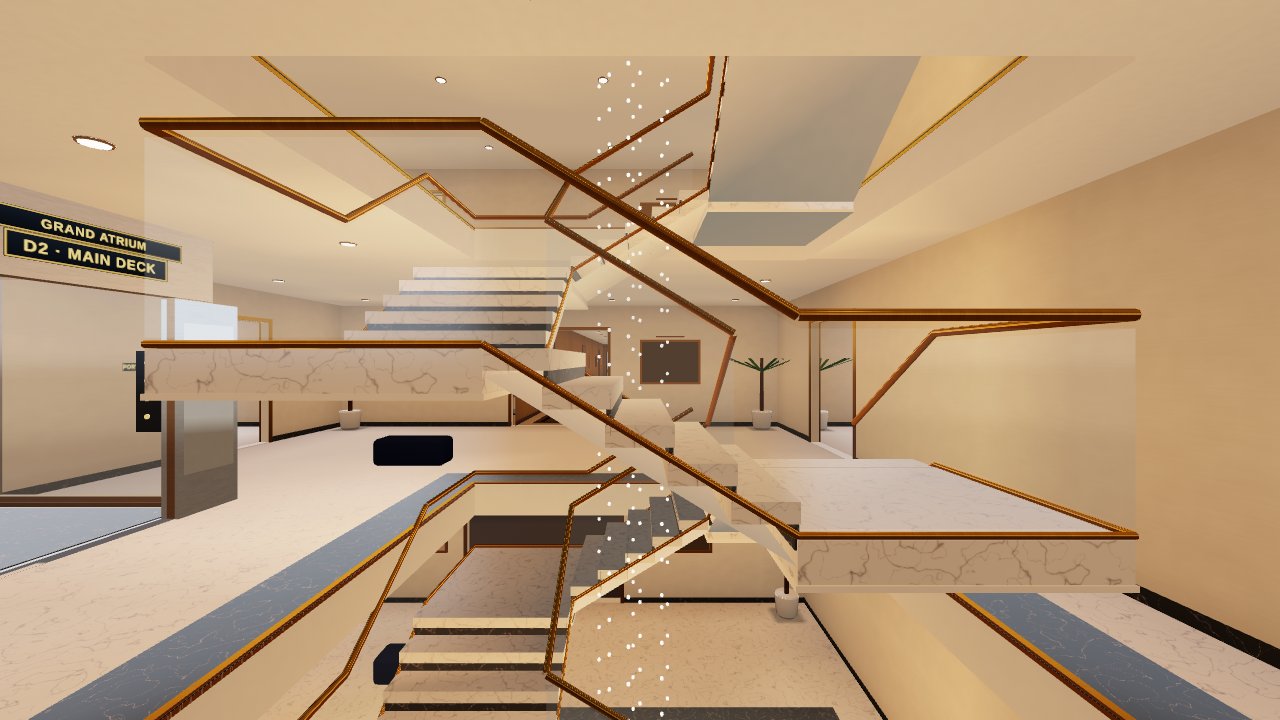
The Superyacht
Explore a 200 m yacht across 8 decks. Pick things up with your own hands. Play 19 games on board, from bowling and golf to chess and a private cinema.
How to play
Nothing to download. All you need is a browser.
Use the built-in browser on your Meta Quest or any other WebXR-enabled device.
Tap a card above. Each game loads in a few seconds.
Press the VR button in the game. No headset? Every game also has a desktop preview.