Games
Click a game to start playing.
⚠️ Disclaimer
- Play safely. Clear the space around you, stay aware of people, pets and furniture, and follow your headset maker's health and safety guidelines. Playing seated is the safest. If you're sensitive to motion, use the comfort settings (vignette, teleport, snap turn) and start with short sessions.
- Take breaks. VR can cause motion sickness, eye strain or discomfort. Stop right away if you feel unwell. Children should play only with adult supervision and within the headset's age rating.
- For fun and learning only. Simulations are simplified and are not professional or manufacturer instructions; for real hardware, follow its manuals. Any games of chance use play money only: there is nothing to buy or win.
- Provided as is. These games are free hobby projects with no warranty. You play them at your own risk.
- Privacy. There are no accounts, no ads and no tracking. Nothing is loaded from third-party servers.
- Trademarks. Meta Quest and other product names belong to their owners. This site is not affiliated with or endorsed by them.
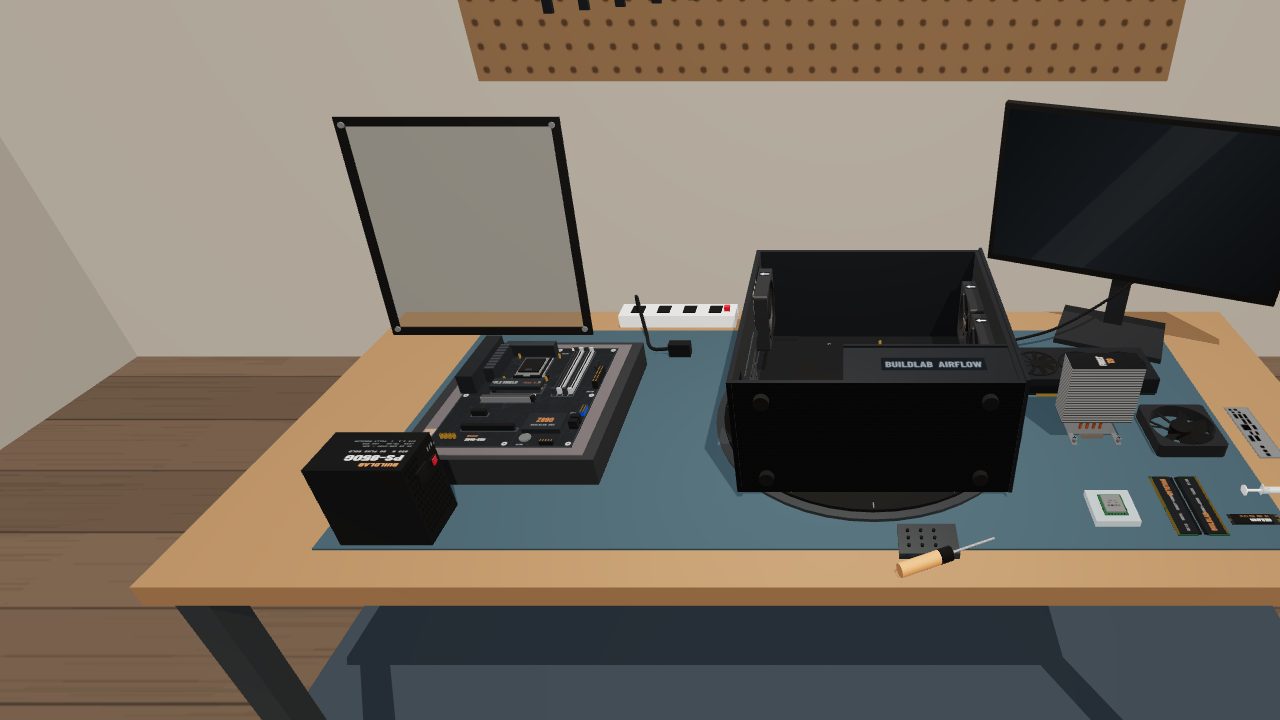
PC Build Lab
Build a complete desktop PC on a virtual workbench, from CPU and RAM to cables and first boot. 33 guided steps explain why each part goes where it does.
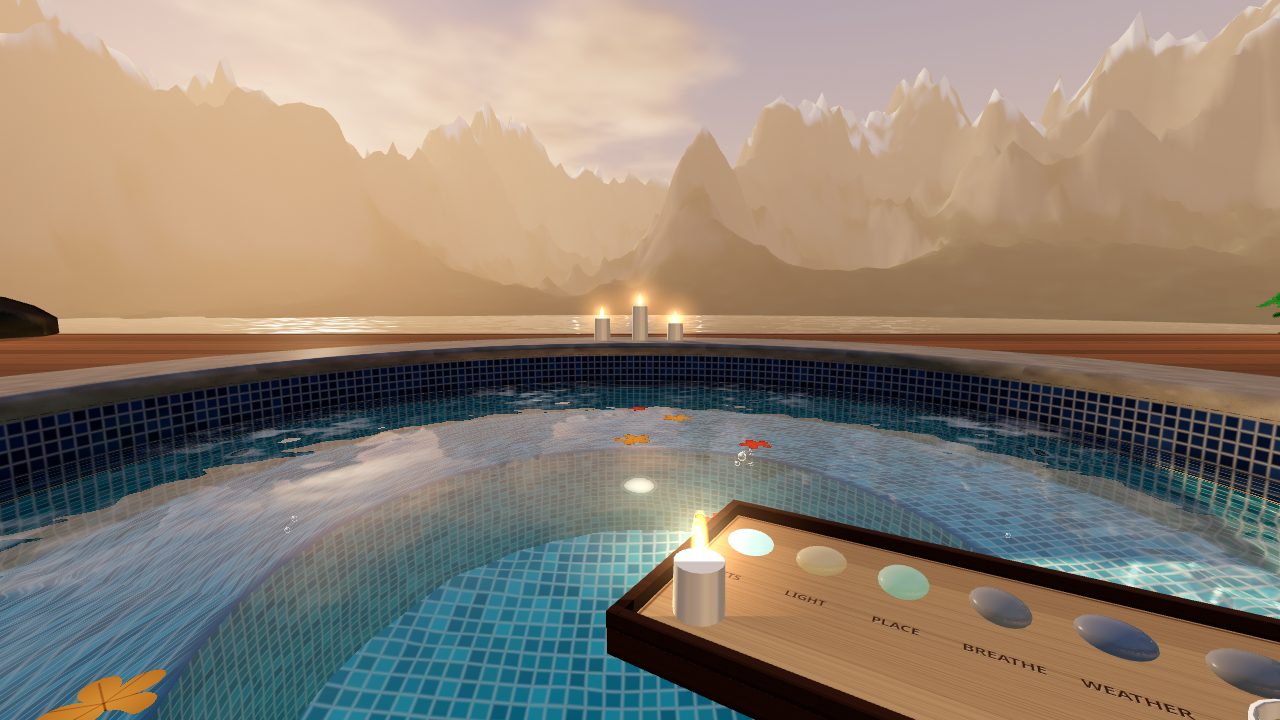
Onsen — Still Water
Relax in a hot tub at the edge of the world. Make ripples with your hands, turn on the jets, and switch between mountain, aurora, tropical and desert views.
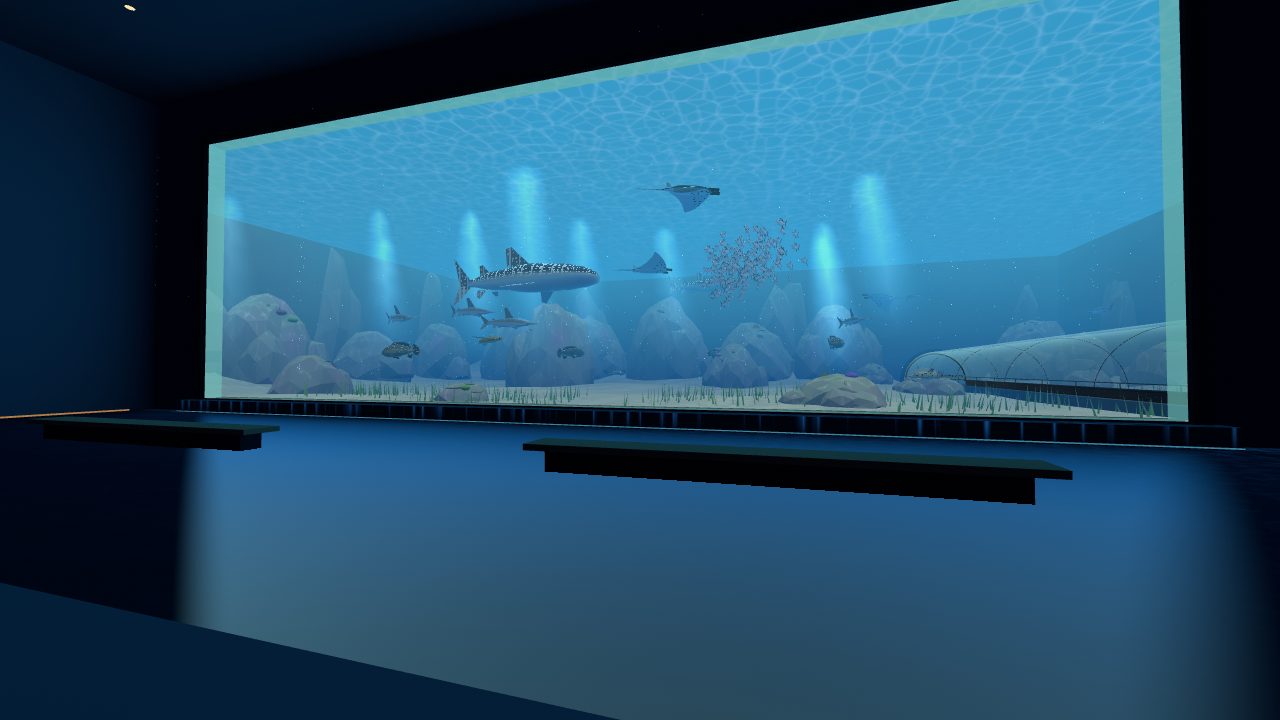
Grand Aquarium
Walk through a record-breaking aquarium at true scale. Watch whale sharks from a 30 m window, walk the ocean tunnel, ride a glass lift up a 20 m reef column and feed the fish from the top.
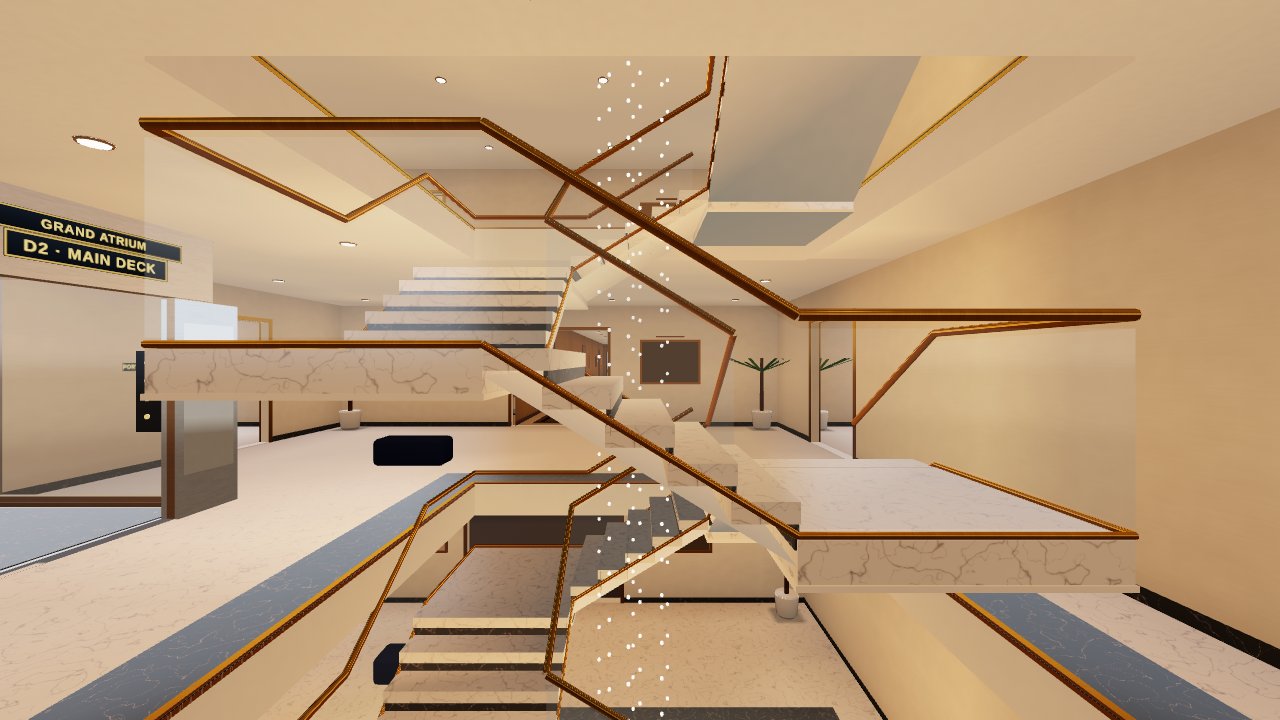
Leviathan
Explore a 200 m mega-yacht across 8 decks and 74 rooms. Pick things up with physical hands and play 19 games on board, from bowling and billiards to golf, chess and a private cinema.
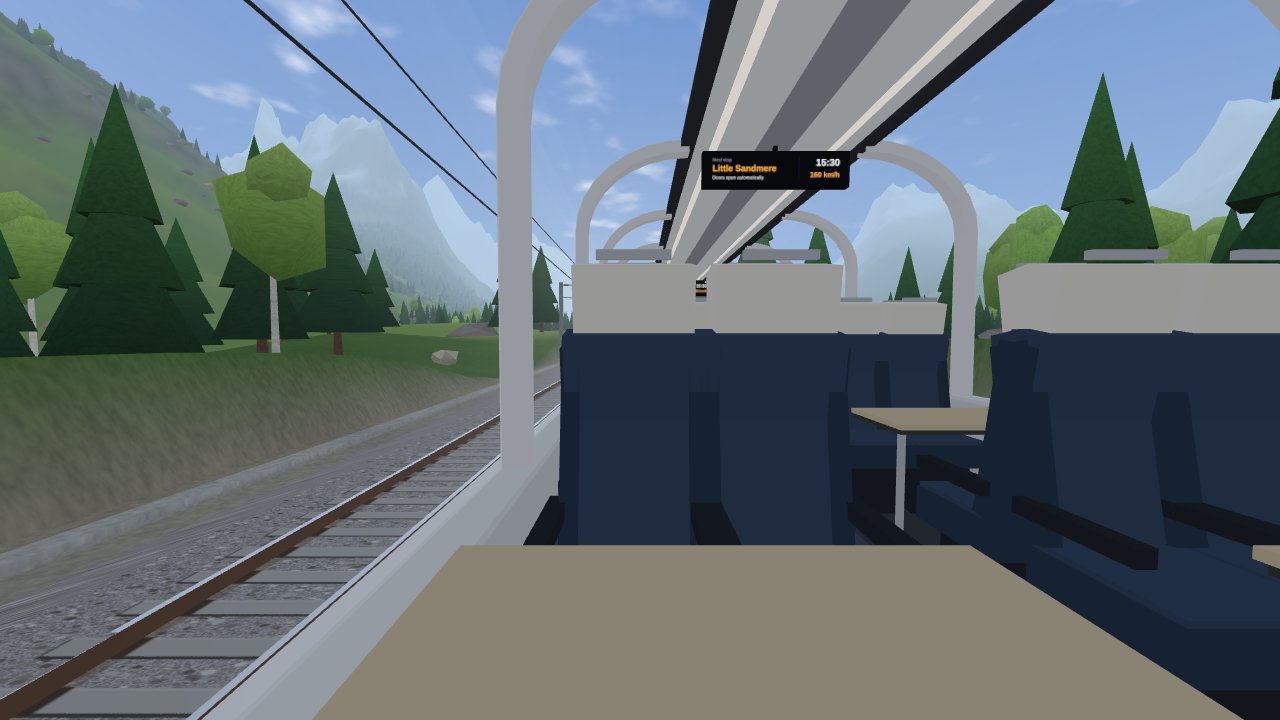
Endless Traveling
Take a window seat on a modern panorama train and ride forever through farmland, lakes, alpine tunnels, deserts and snow. The route is generated as you go, with day, night and weather.
How to play
Nothing to download. All you need is a browser.
Use the built-in browser on your Meta Quest or any other WebXR headset.
Tap a card above. Each game loads in a few seconds.
Press the VR button in the game. No headset? Every game also has a desktop preview.